 |
All in One Benchmark 1.0.0
Run Benchmarks in Unreal
|
|
All in One Benchmark 1.0.0
Run Benchmarks in Unreal
|
There are multiple ways to get and evaluate the results of the benchmark process.
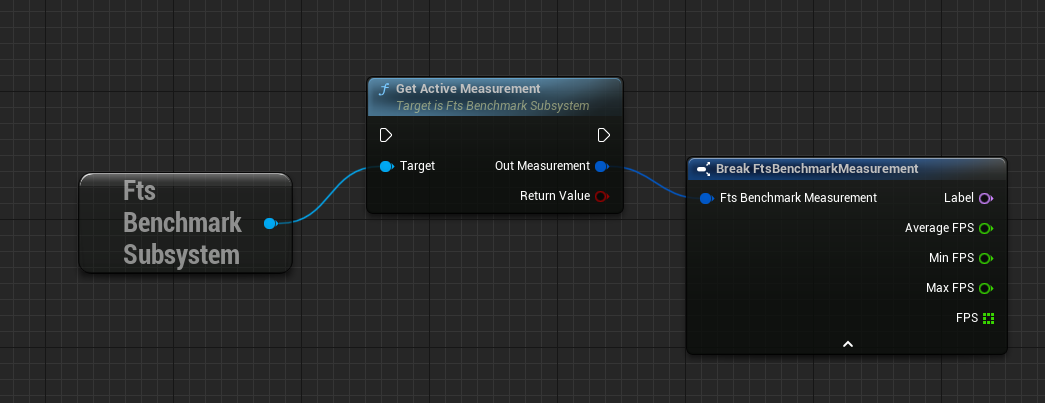
Get Active Measurement returns the data currently being recorded. The Return Value is false if there is no benchmark in progress.
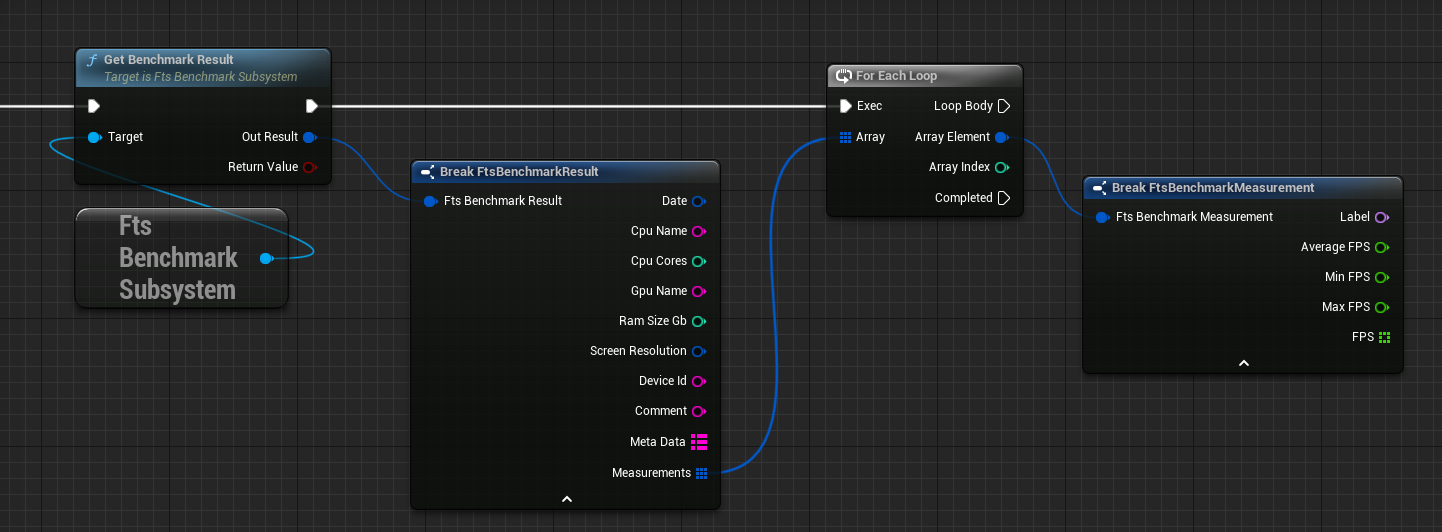
After the benchmark has finished the results can be queried from the system.
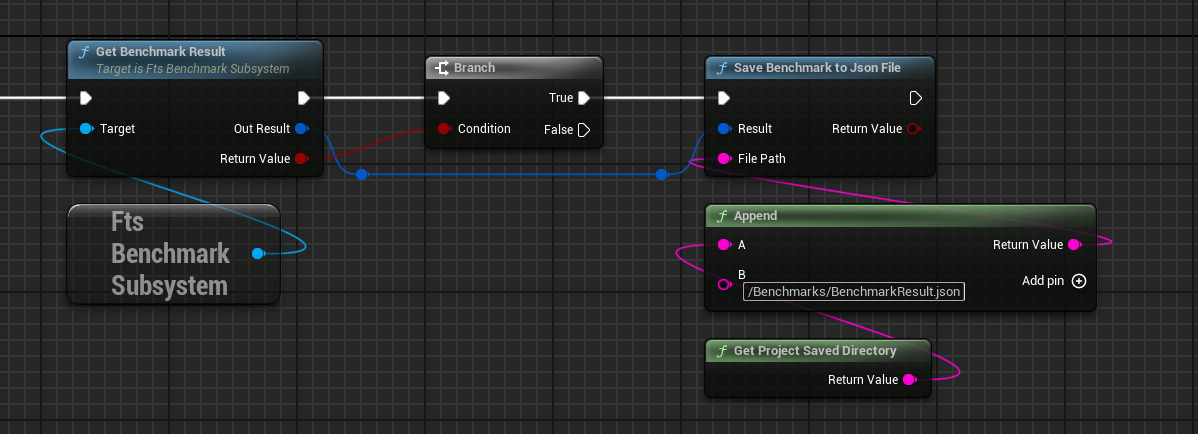
The resulting data can be exported as a JSON file. The Save function is not tied to the active or previous benchmark and allows the export of any Benchmark Result struct.
The resulting file will have this format.
Benchmark data can also be loaded from a JSON file into a struct using the Load Benchmark from Json File function.
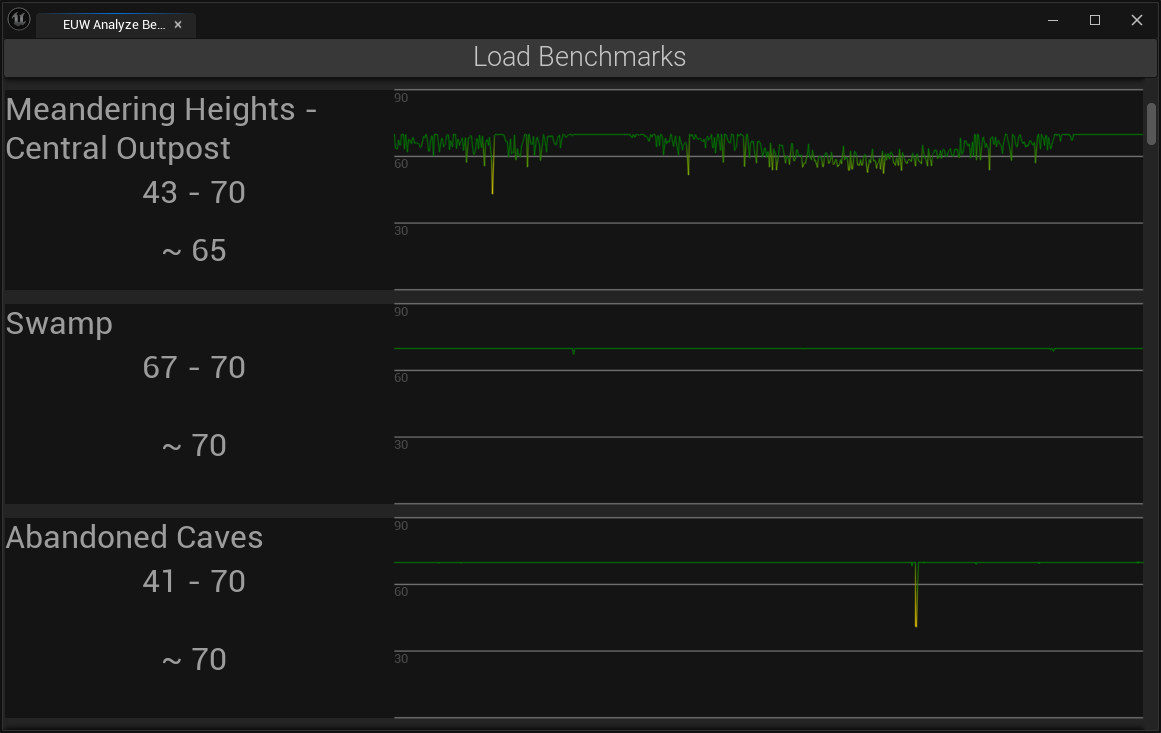
To quickly analyze benchmark results the plugin provides an Editor Utility Widget that can load benchmark json files and display them. To run the widget Enable Plugin Content in the content browser and
go to Plugins -> FreetimeStudio Benchmark Content -> Editor. Right-click on the EUW_AnalyzeBenchmark widget and choose Run Editor Utility Widget.
The widget can load single benchmark json files or whole folders with multiple files. The clear button removes the loaded data.
Each section of a benchmark measurement is visualized with their label, the min and max and average FPS alongside a graph covering the entire recorded data.
 1.15.0